
Creating an Account
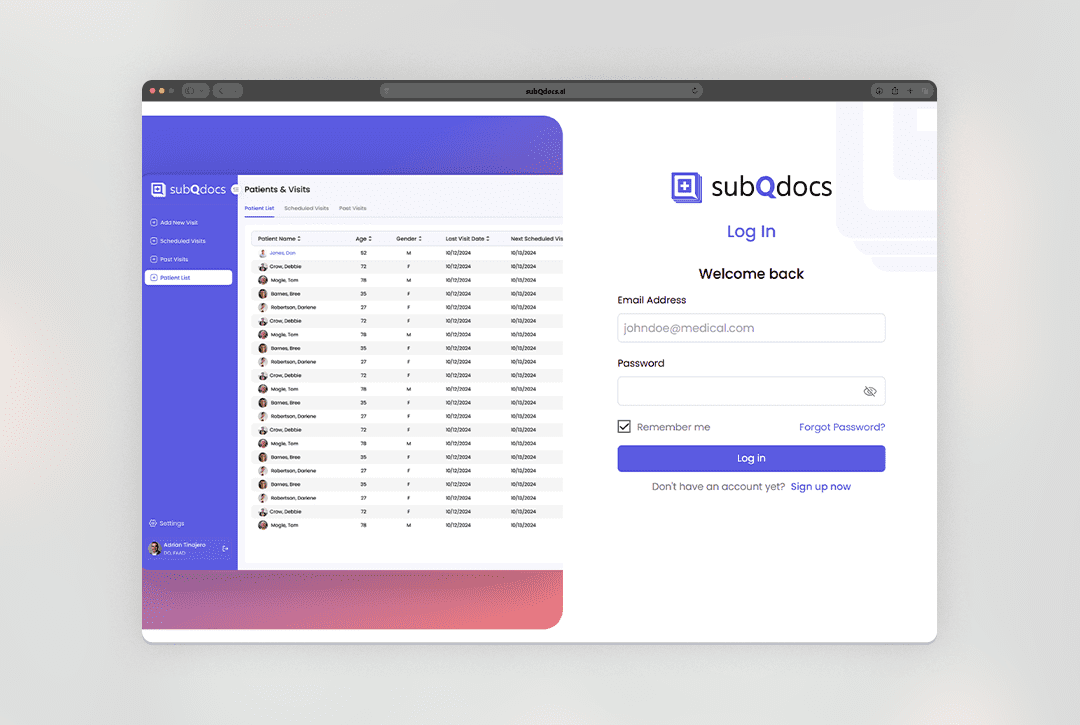
This article walks you through how to create your subQdocs account so your Practice can start recording visits and generating notes.
Create your account
- Go to app.subqdocs.ai/signup.
- Enter your email address and create a password.
- Answer a few short questions about your Practice and your role.
- Log in using the email and password you just created.
Once logged in, you’re ready to begin setting up your workflow and recording visits.
Recommended next steps
- Review and confirm your organization settings.
- Add Providers and staff under User Management.
- Familiarize yourself with the recording process before your first live visit.
Tip: After creating your account, download the subQdocs app on your iPhone or iPad for easier recording in exam rooms.

Thanks for getting started with subQdocs. If you have questions during setup, we’re always happy to help.
Additional Resources
A dermatologist, a tech visionary, and an AI expert joined forces to redefine value creation and documentation efficiency in dermatology—unlocking smarter workflows and better patient care.


Reserve your spot
Saturday, March 28th
4pm To 7pm
Slate Hotel. 1250 Welton st.
Please share a few details so we can plan the evening.
My Details
+ Add a guest