Train subQdoc by Speaking Clinically

subQdocs works best when it understands exactly what happened during a visit. The easiest way to improve note quality—and reduce corrections later—is to speak with clinical clarity while you’re already educating the patient.
Why specificity matters
Consider a common scenario: a patient presents with a rash and you plan to prescribe a topical steroid.
You have two ways to explain this:
- Option 1: “You have a rash. I’m going to send in a cream for you to use for a couple of weeks.”
- Option 2: “You have a rash called allergic contact dermatitis, likely caused by your Old Spice body wash. I want you to switch to a fragrance-free soap and use triamcinolone 0.1% twice daily for two weeks.”
Both explanations are reasonable for the patient—but only one gives subQdocs enough information to do its job well.
When you include the diagnosis, suspected trigger, medication name, strength, and duration, subQdocs can:
- Accurately populate the medical note
- Generate appropriate counseling automatically
- Reduce the chance of missing key details later
By speaking clinically while educating the patient, you’re training subQdocs in real time. The more context you provide, the better subQdocs becomes at recognizing patterns and filling in details you may not explicitly restate every visit.
The ideal visit: done when you leave the room
Imagine finishing a 40-minute appointment with extensive counseling on conditions like alopecia, atopic dermatitis, or psoriasis—and being completely done the moment you walk out of the exam room.
No additional typing. No rewriting instructions. No separate handouts.
This is where subQdocs shines.
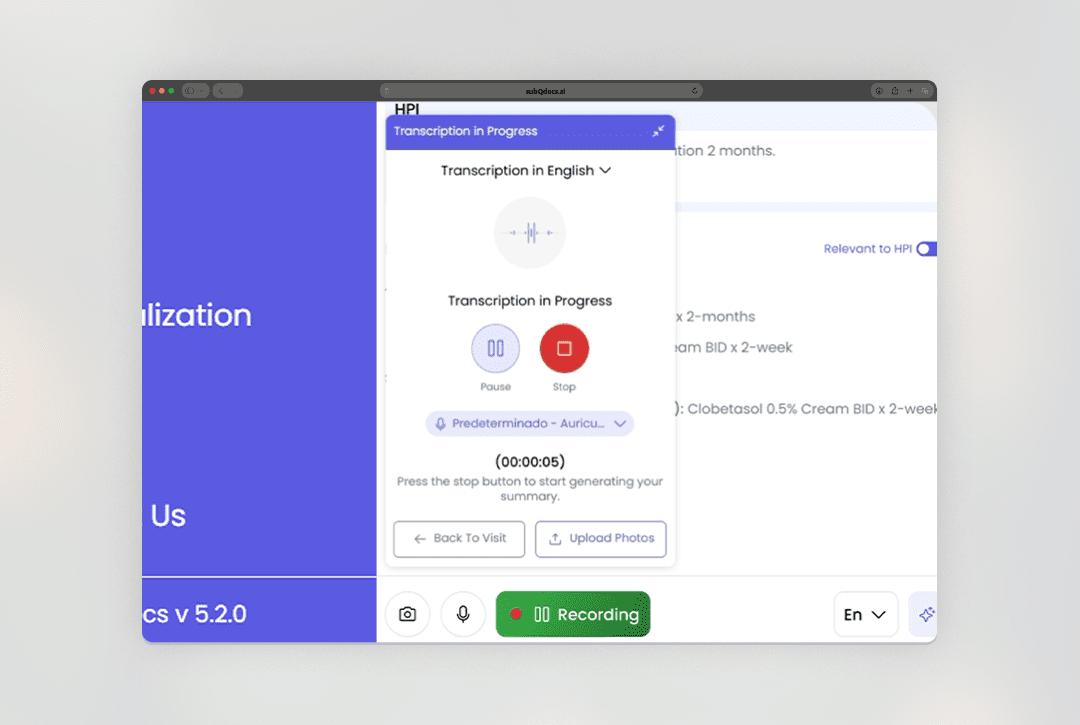
- subQdocs documents the clinical conversation in real time
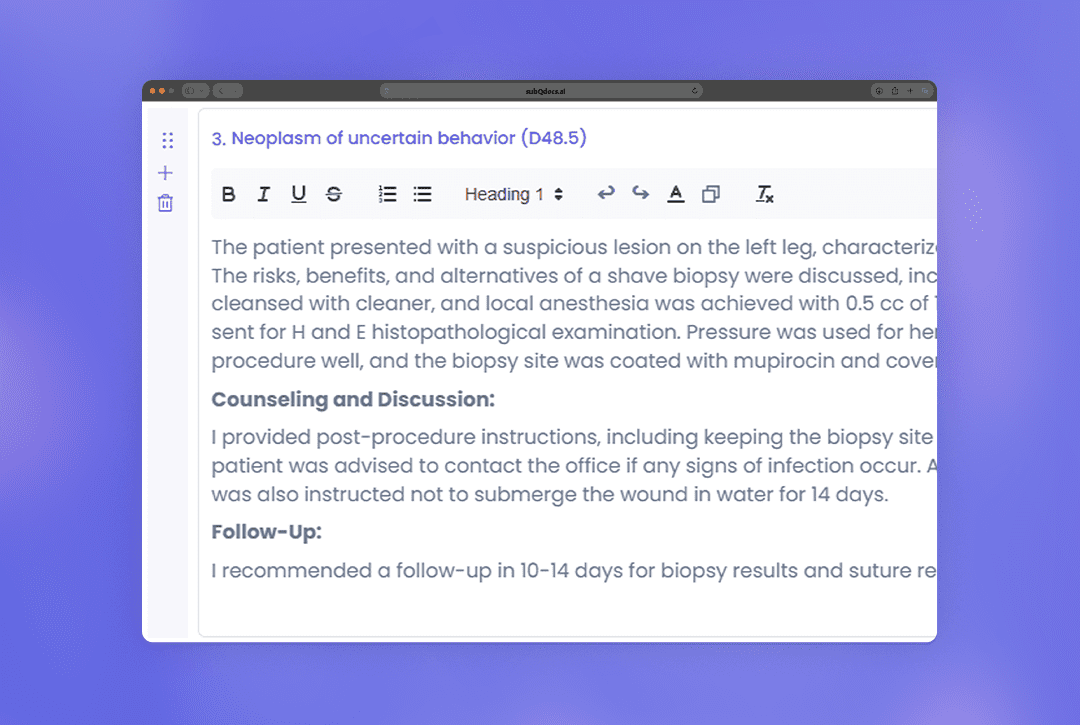
- A structured medical note is generated automatically
- A patient-friendly handout is created at the same time, using language patients understand
You can print the patient note, share it digitally, or place it in your patient portal—then move directly to the next patient.
Even simple visits get easier
Routine visits benefit just as much.
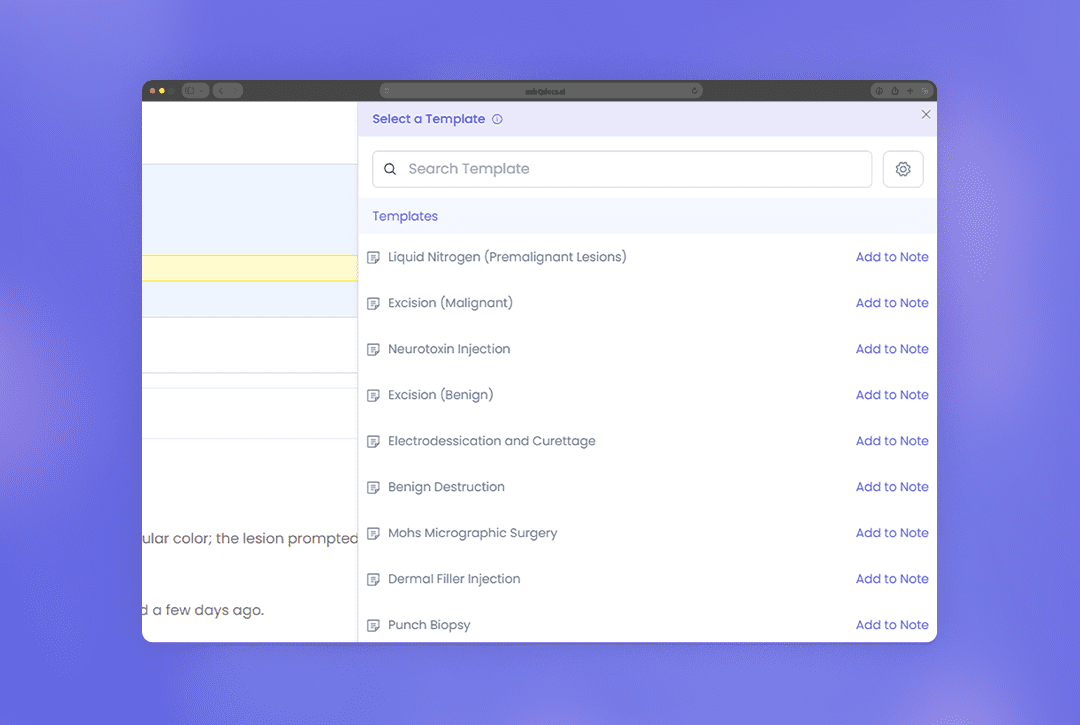
During a standard skin check, simply stating the diagnosis allows subQdocs to apply templated counseling automatically. Your medical assistant doesn’t need to click through checkboxes or copy standard instructions.
Instead, they can start rooming the next patient while subQdocs handles the documentation.
You stay in control
subQdocs should be on for every visit—but you always control what gets finalized and where it goes.
- Short, straightforward visits (for example, a quick LN2 treatment) may not need to be pushed
- Long visits with detailed counseling and treatment plans are ideal to send to your EHR
You decide which notes to keep, which to share, and which to push. subQdocs supports your workflow.
The more clearly you speak, the more value you get. Better input leads to better notes, better patient education, and less work after the visit ends.
Additional Resources
A dermatologist, a tech visionary, and an AI expert joined forces to redefine value creation and documentation efficiency in dermatology—unlocking smarter workflows and better patient care.

Reserve your spot
Please share a few details so we can plan the evening.