


WARNING: Using subQdocs may lead to unprecedented efficiency, improved patient care, and an unexpected sense of joy about documentation.
Learn how speaking with clinical specificity during visits helps Q generate better notes, reduce errors, and produce patient-ready documentation—without extra work.
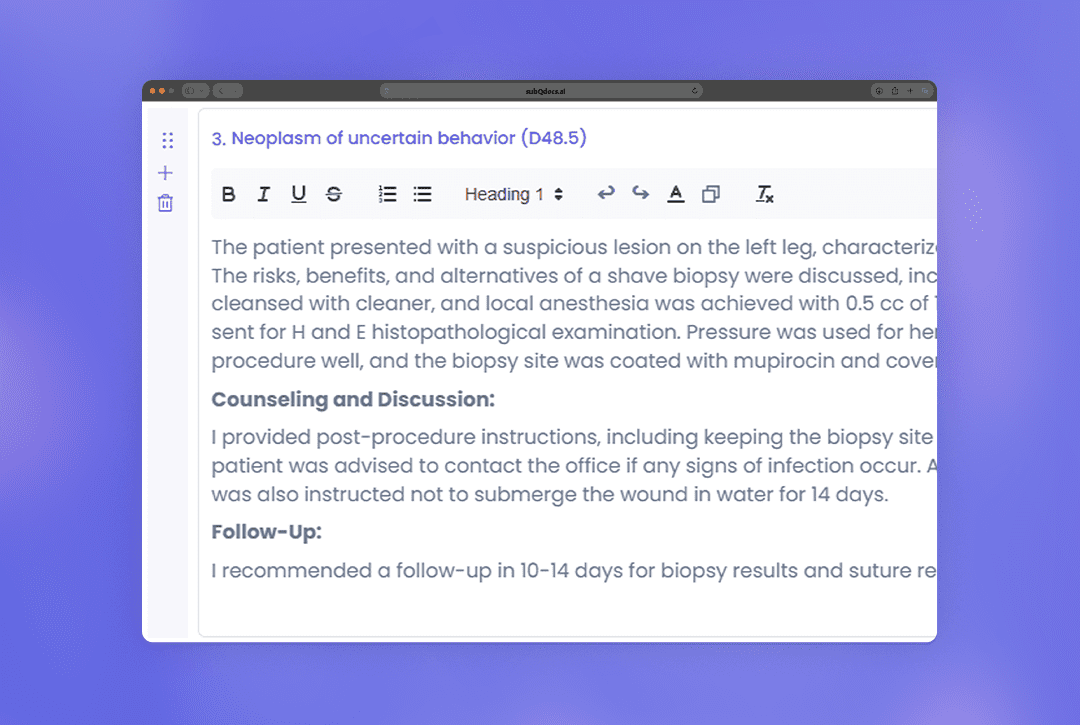
Learn the different ways to update, refine, and adjust a note after recording—whether you want to add more context, make manual edits, apply templates, or use AI-powered Magic Edit.
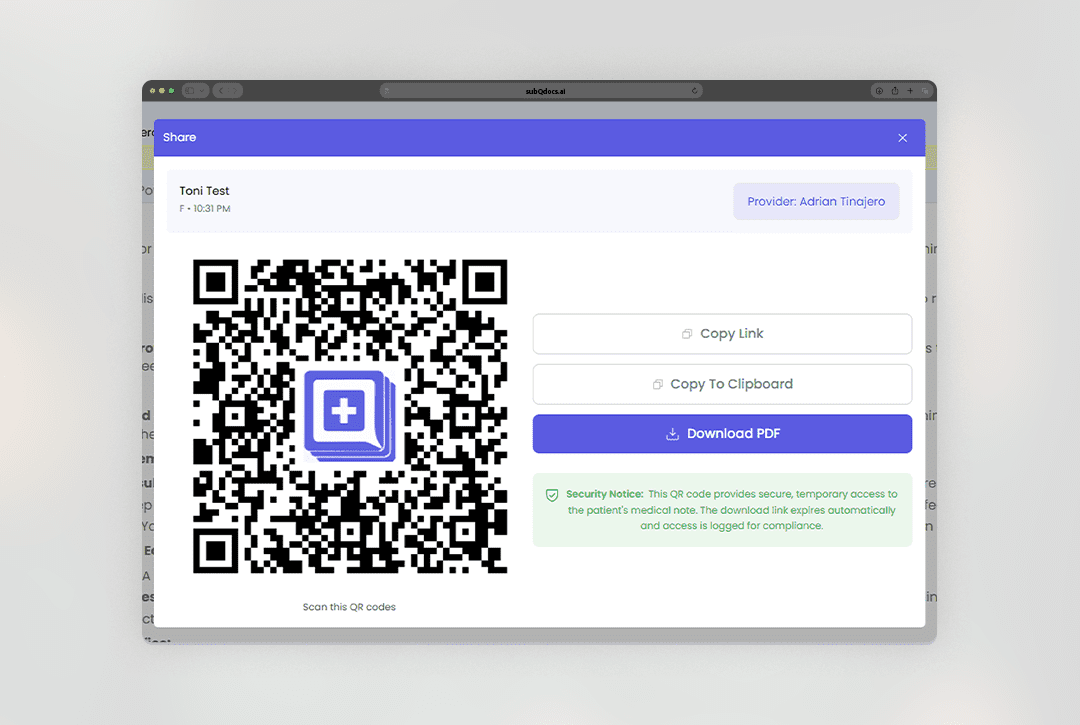
Sharing Patient Notes
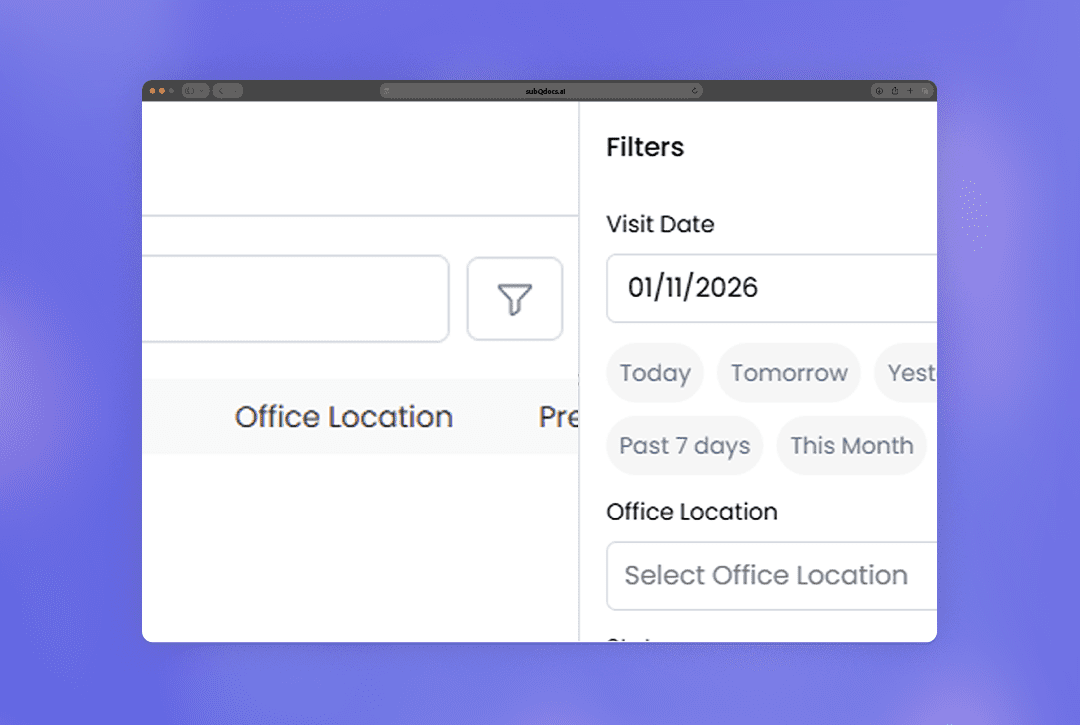
Use filters to quickly narrow down visits and patients by date, location, status, or provider across subQdocs views.