

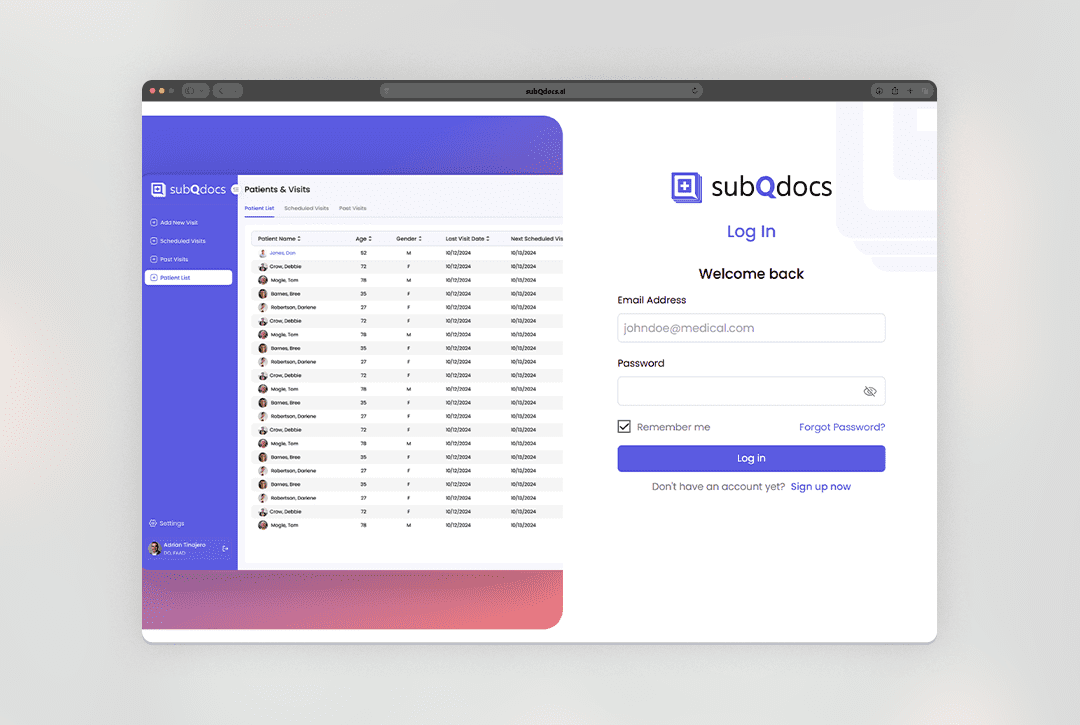

WARNING: Using subQdocs may lead to unprecedented efficiency, improved patient care, and an unexpected sense of joy about documentation.
Learn how EMR Light extends subQdocs beyond documentation—automating scheduling, prescriptions, labs, pathology, and patient follow-up so work keeps moving without adding staff.
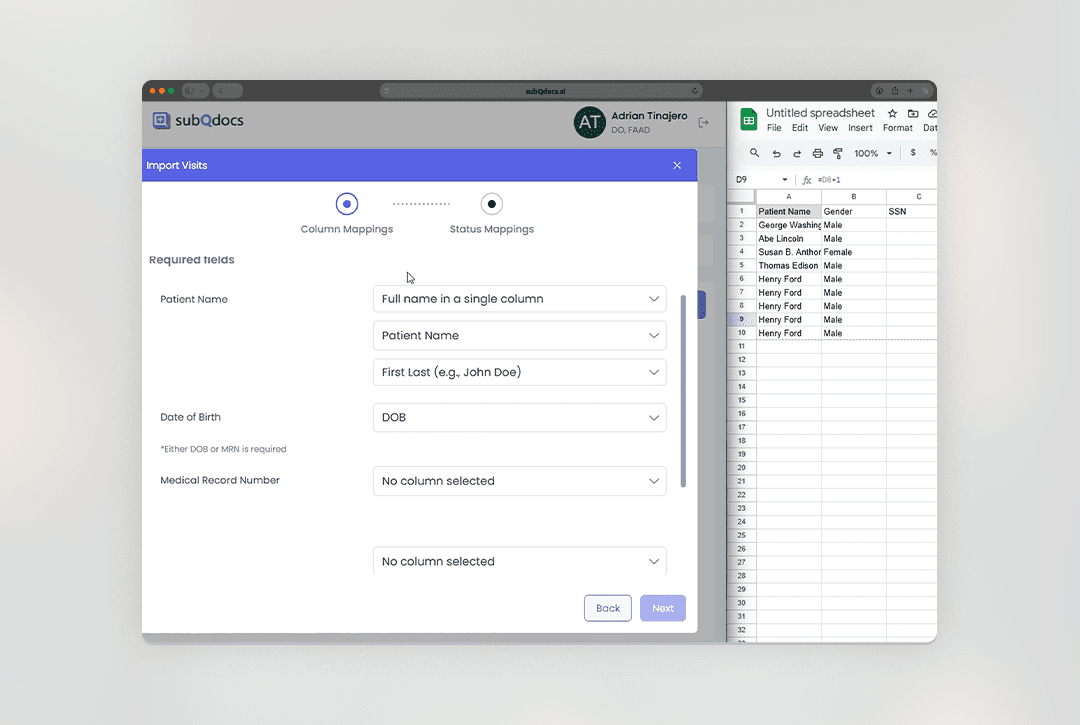
Upload a CSV file to bring patient appointments into subQdocs when you don’t have an active integration, or when you want a simple way to manage schedules.
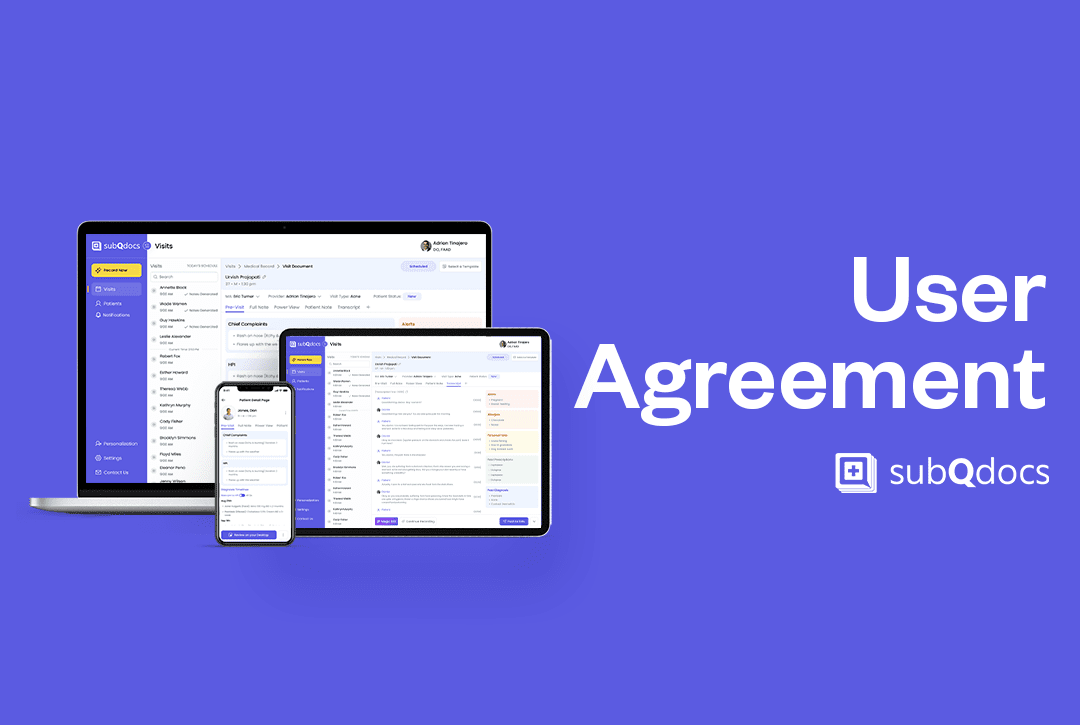
Understand how agreeing to subQdocs’ User Agreement and Privacy Policy establishes a Business Associate Agreement (BAA) with your Practice, and what this means for data privacy, security, and patient consent.
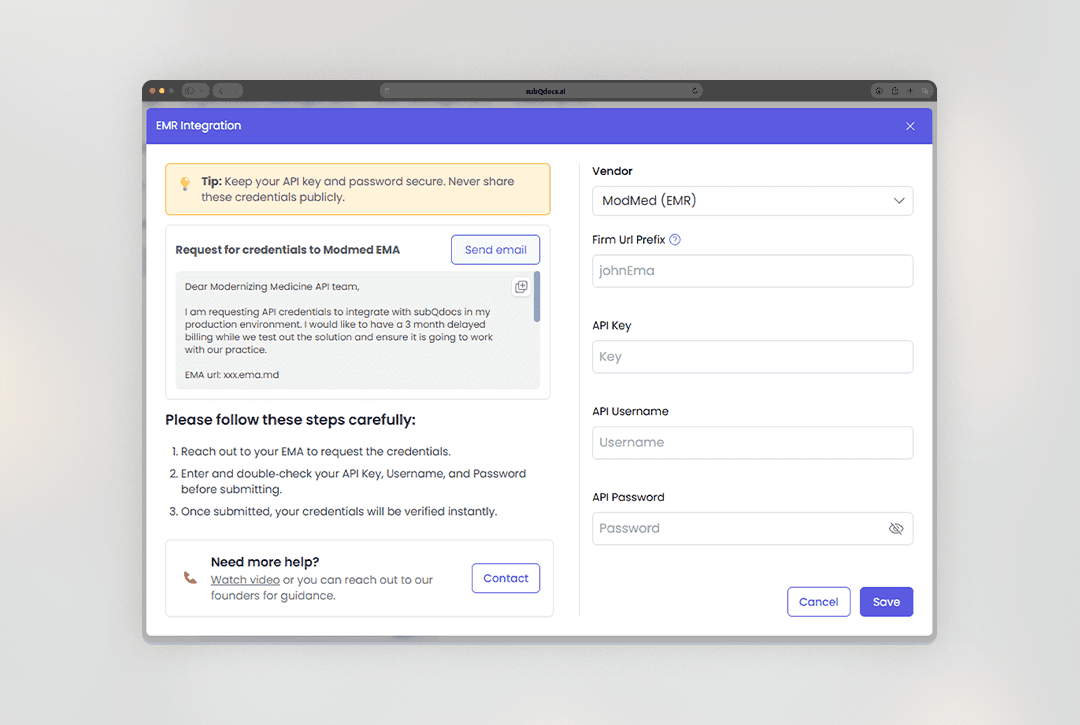
Connect subQdocs to ModMed (EMA) so your schedule and patient list stay in ModMed, and you can push completed notes (and charges) back to ModMed after each visit.
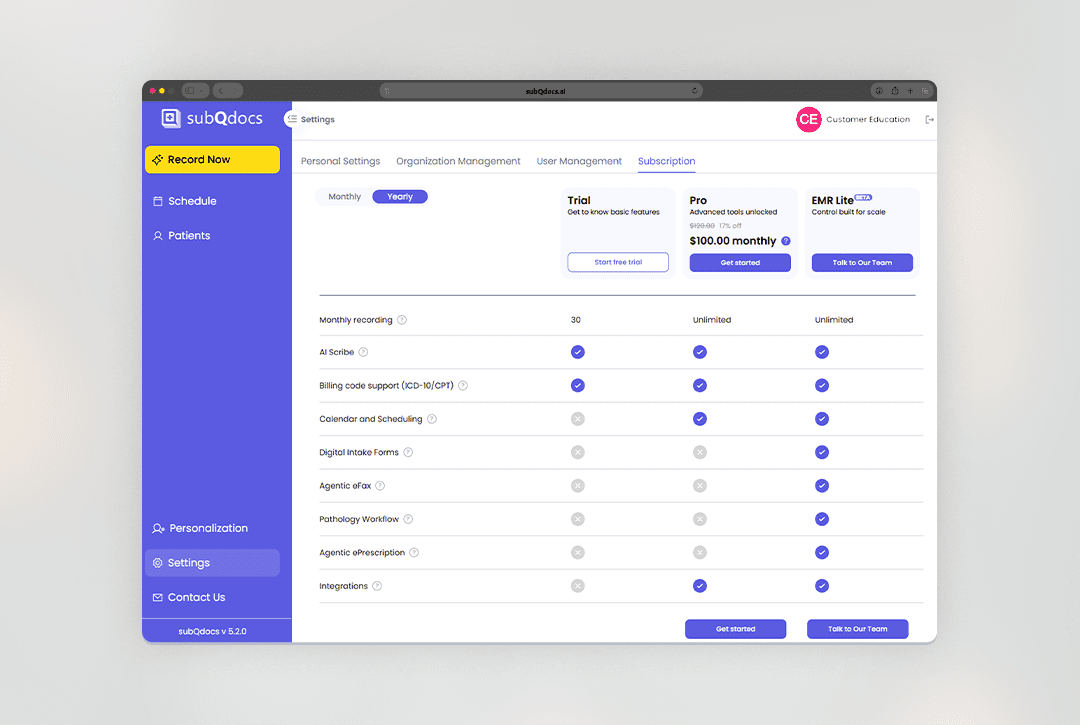
Use the Subscription page in Settings to choose a plan, add or remove practitioners, and download invoices or receipts.
It only takes a few minutes to create your subQdocs account. This guide will walk you through the process step-by-step and includes all the links you need to get set up on a browser, an iPad, or an iPhone.