
Using Filters to Find Visits and Patients
This article explains how filters work in subQdocs and how to use them to quickly find visits, patients, and notes. Filters are available on both the web, iPad, and iPhone, and they apply across multiple views.
Where filters apply
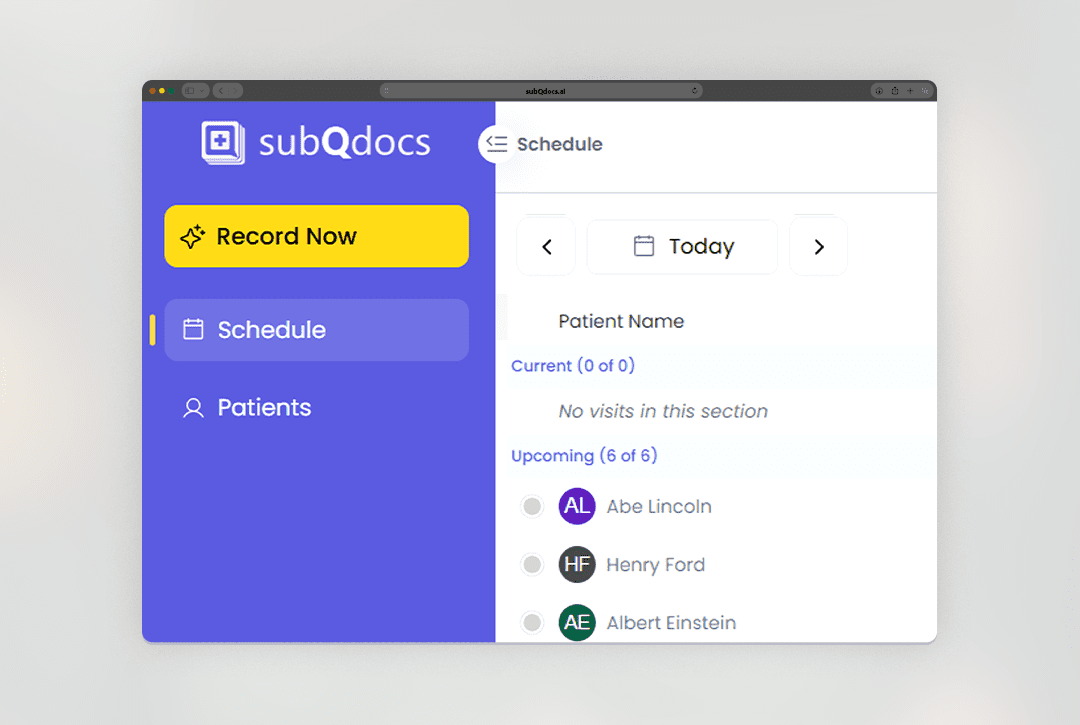
Filters are shared across several areas of the app, including:
- Schedule
- Patients
- Other list-based views
When a filter is active, you’ll see it displayed at the top of the screen so it’s always clear what you’re looking at.
Default date behavior
By default, subQdocs filters views to your last date set.
- You can click directly on the date to see quick date options.
- Quick picks let you jump forward or backward in time with one or two clicks.
Using the Filters panel
For more control, click the Filters button.
- Select a start date and end date to define a range.
- Choose one or more office locations (if your Practice uses multiple locations).
- Select one or more statuses (for example: scheduled, generated).
- Filter by provider to view visits for a specific doctor.
You can select multiple values within a filter (such as multiple locations or providers).
Clearing filters
If you want to reset your view:
- Clear individual filters, or
- Clear all filters to return to the default view
Searching within filtered results
You can search using the search bar at the top of the screen.
- Search only applies to the currently filtered results.
- subQdocs does not search across all historical data unless your date range includes it.
If you’re not seeing the result you expect, expand your date range first, then search again.
Tips for using filters effectively
- Start with a broader date range if you’re unsure when a visit occurred.
- Use status filters to quickly find visits that still need review or action.
- Combine provider and date filters to narrow down busy schedules.
Thanks for using filters to navigate subQdocs. A few small adjustments to your filters can save significant time when reviewing visits or finding patient records.
Additional Resources
A dermatologist, a tech visionary, and an AI expert joined forces to redefine value creation and documentation efficiency in dermatology—unlocking smarter workflows and better patient care.


Reserve your spot
Please share a few details so we can plan the evening.